Windows keys
& Office keys
Windows 10 and Windows 11, Home or Pro.
Office 2021 and Office 2024 for Windows.
Choose your Windows version
Separate Home and Pro keys for Windows 10 and Windows 11. Each Windows OEM license covers one original PC.
Windows keys & Office keys
What comes with your key?
One original PC
An OEM license stays with the device it is first assigned to. Check the applicable license terms.
Online activation
Install the matching Home or Pro edition, then enter your product key in Windows activation settings.
Digital delivery
Your product key and setup details are delivered by email after payment is confirmed.
Installation help
Send us your order reference and activation error if you need assistance.
LICENSES & ACTIVATION
Frequently asked questions
Questions about choosing a product, delivery or activation? Find the answers here.
Contact supportWhich products are in the catalog?
Browse Windows 10 or Windows 11 in Home and Pro editions, plus Office 2021 and Office 2024 for Windows. Office edition details must be confirmed before ordering.
What does OEM mean for my PC?
An OEM license is tied to the original device under its license terms. It is not a transferable retail license. Choose the matching Windows edition before ordering.
How do I activate Windows?
Install the matching Home or Pro edition, open Settings → System → Activation, and enter your key. Internet access is required. A key does not bypass hardware requirements.
Does the Pro key upgrade Windows Home?
This Pro OEM offer is for activating the matching Pro installation. It is not sold as a Home-to-Pro upgrade.
Can I move my OEM license to a different PC?
OEM licenses stay with the original device. Do not buy one on the assumption that it can be transferred to another PC.
How will I receive my order?
Your product key and setup details are delivered digitally after payment is confirmed. Nothing is shipped. Fulfilled keys are also available on your secure order page.
What if I have an activation problem?
Check that the installed edition matches your order, then contact support with your order reference and the error message. A defective supplied key is handled under our refund policy.
Windows installation & activation
View all guides
Install and activate Windows
Check your PC and install the edition that matches your OEM key.
Read the guide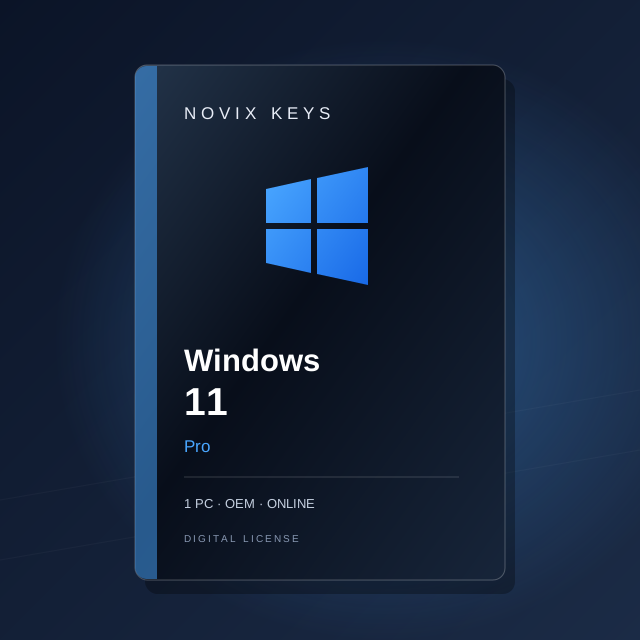
Windows Home or Pro?
Compare the features to choose the right edition for your PC.
Read the guideNeed help with activation?
Find your error code and send the details to our support team.
Read the guideDigital deliveryKeys and setup details by email
OEM · One PCTied to the original device
Installation helpGuides and support for your order
Secure checkoutPayment details handled by Stripe